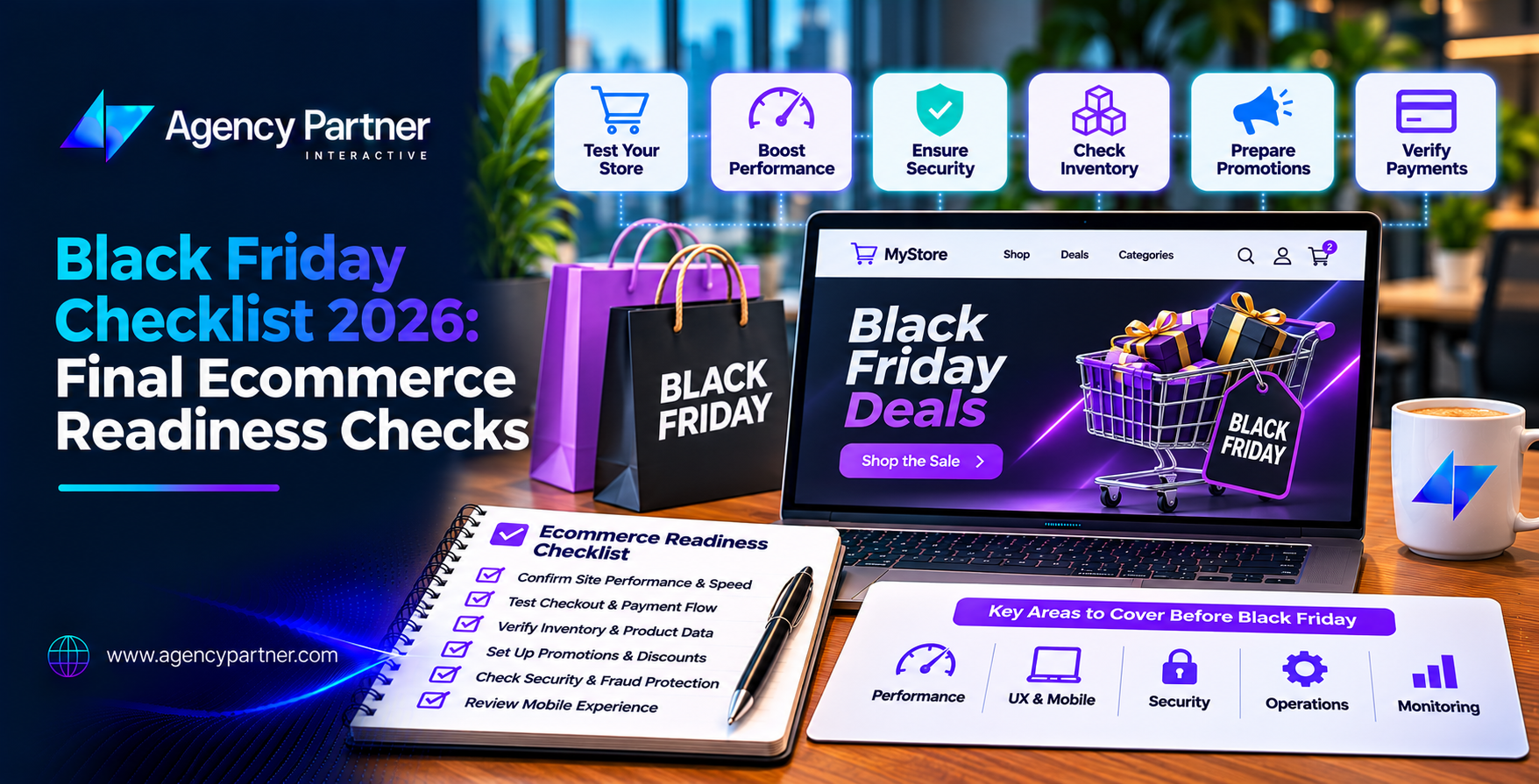
A successful Black Friday sale needs more than discounts and marketing campaigns. Your website must handle traffic, process payments, update stock, and confirm orders without errors. This black friday checklist focuses on the final checks that matter before launch. Each test should have an assigned owner, a clear pass or fail result, and proof that it works.
Black Friday 2026 falls on November 27, followed by Cyber Monday on November 30. Your promotions are ready. Your emails are scheduled. Your Black Friday landing page is live.
But is your ecommerce website ready to take orders?
A broken discount code can upset customers. A payment error can stop sales. Incorrect stock levels can lead to orders your team cannot fulfill. These problems often appear when traffic rises and there is little time to fix them. That’s why ecommerce holiday readiness needs a final review before the sale begins.
This guide covers the key checks, responsible teams, and evidence needed to launch with confidence.
Why Does Your Ecommerce Store Need a Final Readiness Check?
Most businesses prepare for Black Friday weeks in advance. They improve website speed, create offers, update product pages, and plan marketing campaigns. Those steps are important, but preparation does not prove that everything works together. A final readiness check tests the full shopping process under conditions close to the real sale.
For example, a discount may work on a product page but fail when the customer adds another item. A payment may go through while the order confirmation email never arrives. The goal is to catch these problems before customers do. Your final review should also answer three questions: Who owns the test? What counts as a pass? Where is the evidence?
Six Weeks Before: Confirm Your Technical Foundation
Start with the technical work that takes the longest to fix. Review your hosting capacity, website speed, and server performance. Use past sales data and expected campaign traffic to plan load tests. Test important pages, including product listings, carts, and checkout.
Google recommends a Largest Contentful Paint of 2.5 seconds or less, Interaction to Next Paint of 200 milliseconds or less, and Cumulative Layout Shift of 0.1 or less at the 75th percentile. Use PageSpeed Insights to find issues that could affect shoppers. Set up uptime monitoring and alerts for key website functions.
Your development team should also review backups, security updates, and third-party integrations. These checks form the technical foundation of your black friday checklist.
Four Weeks Before: Review the Shopping Experience
Next, focus on the customer journey. Visit your website on real mobile devices. Check navigation, product images, search filters, and add-to-cart buttons. Make sure customers can find shipping details, return policies, and payment options without searching through several pages.
Guest checkout should be available when your platform supports it. Review your Black Friday landing page and confirm that its offers match your campaign messages. Test abandoned-cart emails and other automated messages. This stage of ecommerce holiday readiness helps remove problems that could prevent visitors from buying.
Two Weeks Before: Test Promotions and Inventory
Two weeks before launch, your offers and product data should be close to final. Start discount testing with every promotion planned for the event. Check percentage discounts, fixed-price offers, bundles, free shipping rules, and coupon codes. Test whether promotions combine correctly. If stacking is not allowed, the website should prevent it.
Also confirm that discounts start and end at the intended times, using the correct time zone. Next, review stock availability across your website, warehouse, and connected sales channels. This is where inventory reconciliation becomes essential.
Compare available quantities with warehouse records and inventory management systems. Resolve differences before campaigns begin driving demand.
One Week Before: Complete the Final Launch Checklist
The final week is for verification, not major development changes. Avoid new features or large updates unless they fix a critical problem. Use the following checklist to confirm that each part of your store is ready.
Final Ecommerce Readiness Checklist
- Website performance: The development owner confirms that key pages load and function under the agreed test load.
- Checkout: The QA owner completes test purchases using every supported payment method.
- Discounts: The ecommerce manager confirms correct prices, promotion rules, and expiration dates.
- Inventory: The operations owner checks stock quantities across connected systems.
- Order confirmation: The QA owner verifies order numbers, confirmation pages, and customer emails.
- Fulfillment: The warehouse owner confirms that paid orders reach the correct fulfillment queue.
- Customer support: The support lead reviews offers, shipping deadlines, returns, and escalation steps.
- Monitoring: The technical owner confirms that alerts reach the people responsible for responding.
- Rollback: The development lead verifies the recovery plan and emergency contacts.
Each owner should record the test date, result, and supporting evidence. A failed critical check must be resolved and tested again before approval.
How Should You Record Pass/Fail Evidence?
A verbal confirmation is not enough for a high-traffic sales event. Use a shared readiness document that your team can access. Every test should include an owner, expected result, actual result, and evidence.
| Test | Responsible owner | Required pass evidence |
| Checkout | QA lead | Successful test order and payment record |
| Discounts | Ecommerce manager | Correct cart total and promotion rules |
| Order confirmation | QA lead | Order record and delivered email |
| Stock reconciliation | Inventory manager | Matched SKU quantities or approved exceptions |
| Rollback readiness | Development lead | Verified recovery steps and contact details |
Record failures in the same document. If a payment fails, note the payment method, error, and affected device. If stock quantities do not match, record the SKU and systems involved. This creates a clear record of what is ready and what still needs attention.
Why Is Checkout Testing Critical Before Black Friday?
A customer may browse your website, choose a product, and apply a discount successfully. But none of that matters if the payment fails. Checkout testing should cover the full purchase process, from cart to order confirmation.
Test credit cards, digital wallets, and other supported payment options using approved test methods. Check guest checkout, shipping calculations, taxes, and address validation. Include failed payments and canceled transactions. Your system should not create a paid order when payment fails.
After a successful purchase, confirm that the order appears in your ecommerce dashboard with the correct payment status. The warehouse or fulfillment system should also receive the correct order details. Repeat checkout testing on desktop and mobile devices. A successful test on one browser does not prove that every customer can complete a purchase.
How Do You Verify Discounts Without Losing Revenue?
Promotions can become expensive when pricing rules behave incorrectly. For example, a customer might apply two codes that were never meant to work together. A bundle offer may also calculate the wrong total when one item is removed.
Proper discount testing checks both valid and invalid scenarios. Confirm that eligible products receive the correct offer and excluded products remain at their normal prices. Check minimum purchase values, coupon limits, and shipping promotions. Review the final amount after taxes and delivery fees. Your ecommerce manager should approve the results before the sale begins.
How Do You Confirm Inventory and Order Accuracy?
A completed purchase should update stock correctly. If your website shows five items available but your warehouse has only two, customers may place orders you cannot fulfill. Effective inventory reconciliation compares website quantities with warehouse, point-of-sale, and marketplace records.
Pay special attention to products included in major promotions. Test what happens when two customers attempt to buy the last available item. Your system should follow its configured stock rules without creating duplicate reservations or unsupported sales.
After a test order, confirm that the available quantity changes correctly. Check canceled orders and refunds as well, since these may affect stock depending on your system settings. Accurate inventory reconciliation helps your team avoid overselling and fulfillment delays.
What Should You Check in Order Confirmation Emails?
Order confirmation is part of the customer experience. After payment, shoppers expect proof that their purchase was successful. Check that the confirmation page displays the correct order number, items, prices, discounts, and delivery details.
Then confirm that the email reaches the customer. It should match the order record and include accurate contact information. Also test whether failed payments avoid sending misleading purchase confirmations. If emails are delayed, your support team should know how to verify an order without asking customers to pay again. These checks help prevent duplicate purchases and unnecessary support requests.
Who Should Handle Problems During Black Friday?
Even well-tested websites can experience unexpected problems. Your team needs a clear response plan. Assign contacts for hosting, development, payments, inventory, and customer support. Keep their names, phone numbers, backup contacts, and escalation rules in one shared location.
A rollback plan should explain how to disable a faulty promotion, reverse a recent deployment, or restore a stable version. Not every issue requires a full website rollback. For example, a broken discount may be resolved by disabling one promotion.
Before restoring data, review any orders placed since the last backup. A database rollback could otherwise remove valid transactions.
What Should You Monitor During Black Friday Weekend?
Your work continues after the sale begins. Monitor website availability, payment failures, conversion rates, and order volume. Watch for unusual discount activity and sudden stock changes. Review customer support requests for repeated problems.
If several shoppers report the same error, escalate it immediately. Your ecommerce holiday readiness plan should cover the full sales period, including Cyber Monday. After the event, compare results with your goals and document improvements for next year.
Get Your Ecommerce Website Ready With Agency Partner Interactive
A successful Black Friday campaign depends on a website that supports every step of the purchase. Agency Partner Interactive offers ecommerce website development services to help businesses improve their online shopping experiences.
From checkout functionality and platform integrations to performance improvements, the right development support can help address technical issues before they affect customers. If your ecommerce website needs attention before the holiday rush, Agency Partner Interactive can help you review your requirements and plan the next steps.
Prepare Your Store for Black Friday.
Final Thoughts
A reliable black friday checklist should do more than remind your team to test the website. It should show who is responsible, what has passed, and what still needs work. Confirm payments, discounts, inventory, order emails, and emergency contacts before launch. When every critical check has clear evidence, your team can focus on serving customers instead of fixing avoidable problems.
Frequently Asked Questions
1. What should be included in a Black Friday ecommerce checklist?
Include website speed, mobile usability, payment processing, promotions, inventory, order confirmation, fulfillment, and monitoring. Assign an owner to each test and record pass/fail evidence so unresolved problems are visible before launch.
2. When should I complete checkout testing before Black Friday?
Complete the main tests at least one week before launch. Run a final purchase test after your last approved website change. Check payment methods, taxes, shipping, discounts, and order records.
3. How do I test Black Friday discount codes?
Test valid and expired codes, excluded products, minimum spending rules, and overlapping promotions. Confirm that the final cart total matches your approved offer and that discounts stop at the scheduled time.
4. Why is inventory reconciliation important before holiday sales?
It helps confirm that the stock shown online matches available inventory. Accurate records reduce the risk of overselling, canceled orders, and fulfillment delays when customer demand increases.
5. What should I do if checkout fails during Black Friday?
Contact the assigned technical owner immediately. Review payment errors, recent changes, and monitoring alerts. Use your approved recovery plan, and verify existing transactions before asking customers to retry payments.
6. What is a rollback plan for an ecommerce website?
A rollback plan explains how to recover from a failed update or configuration change. It identifies responsible contacts, recovery steps, and verification tests while protecting orders and customer data created during the incident.